 Quorpi
In a messaging app
- Someone has to announce the next session, every single time.
- Answers get lost between photos and jokes.
- The organizer counts heads, and sometimes gets it wrong.
- You find out the night before that you're short.
 Quorpi
Your group knows right away if it's on.
Thursday football, doubles tennis, book club or the school run: everyone answers with one tap, and Quorpi applies your group's rule to tell you whether the session is happening. No more counting replies in the group chat. And it's free.
Why Quorpi
Picking a date is the easy part. The hard part is knowing, every week, whether enough people will show up.
How it works
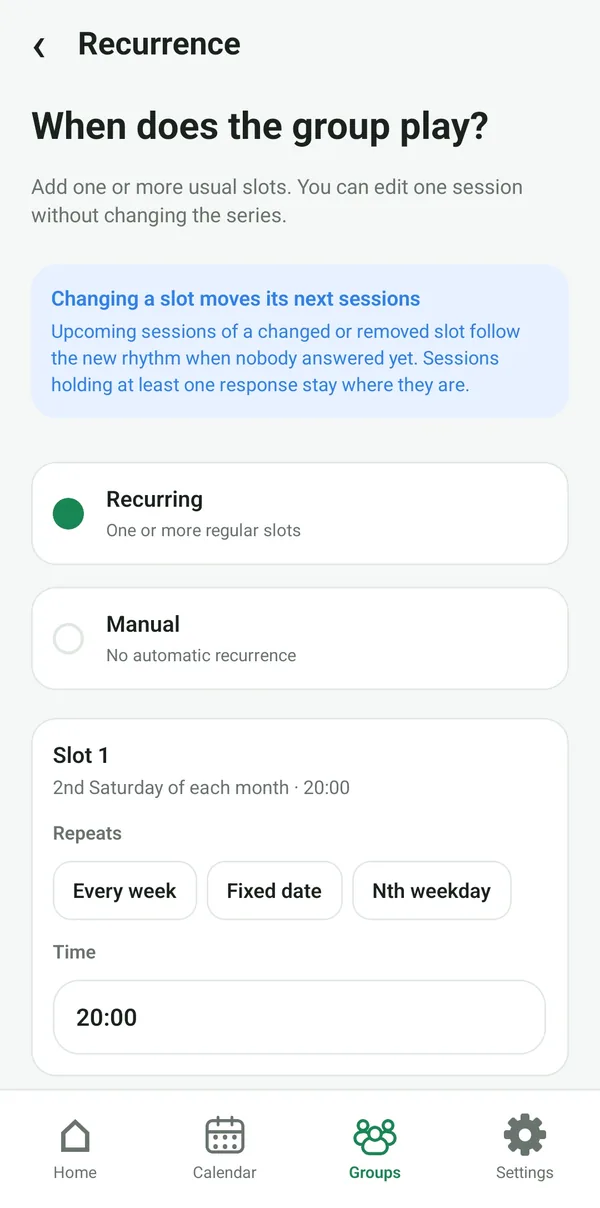
Give it a name, an activity and a usual place. Then set when the group meets: every week, every month on a fixed date or a given day (the 2nd Saturday, say), or every year.
A group can combine several time slots. Upcoming sessions are created automatically, and you can always move one session without changing the rest of the series.
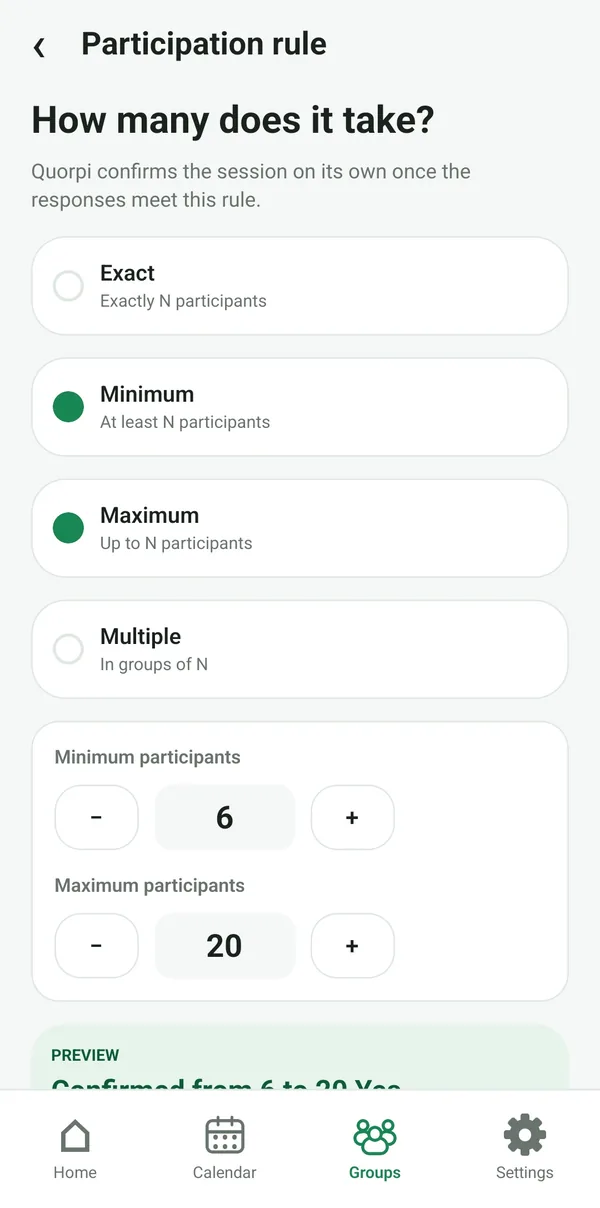
How many participants for the session to go ahead? Set your group's rule, and Quorpi checks whether the responses meet it.
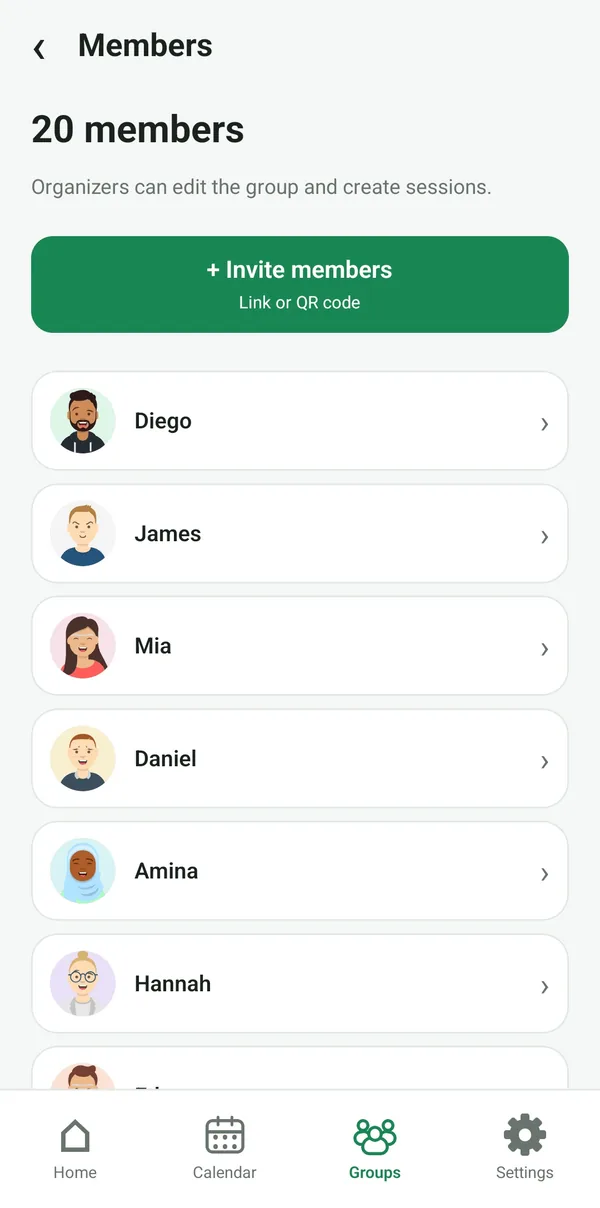
Share a link or a QR code in your usual group chat. Everyone joins from their phone and immediately sees the upcoming sessions.
Organizers manage the group and its sessions; members just answer.
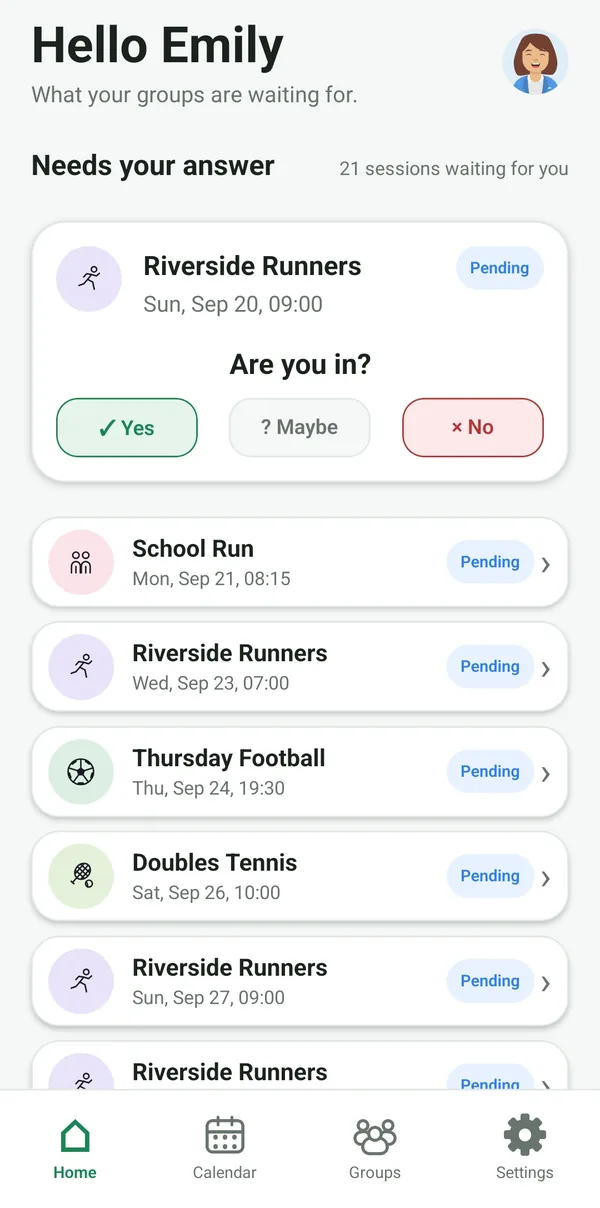
When you open the app, the sessions waiting for your answer are at the top of the home screen. Yes, Maybe or No: that's it.
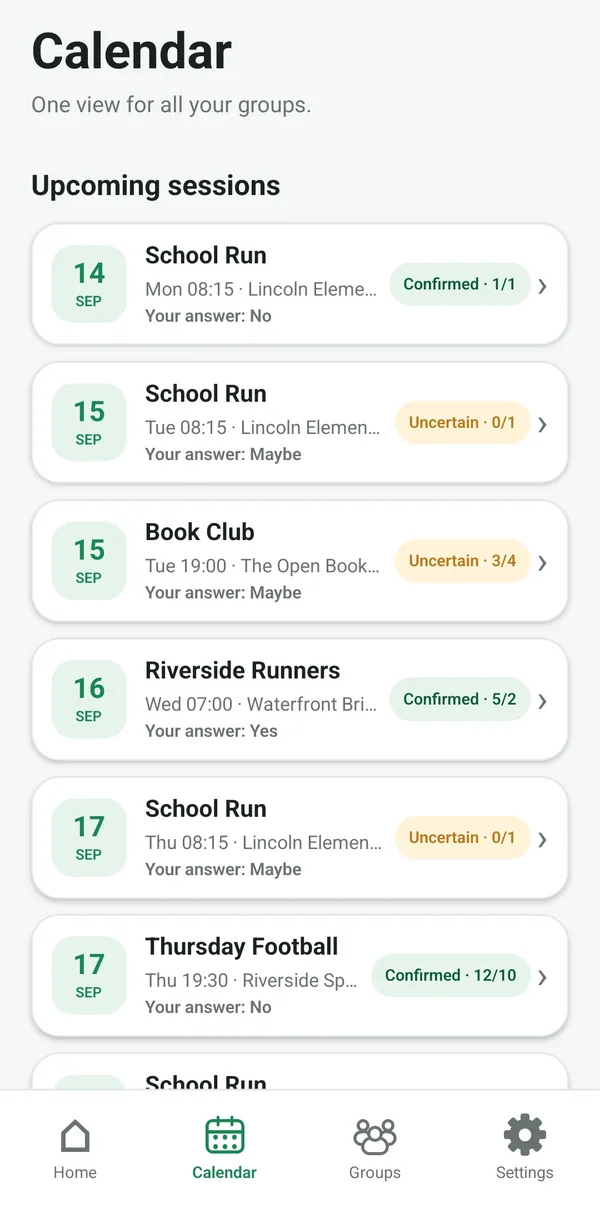
The calendar brings together the sessions of all your groups, with their status and your answer. You can change it until the session starts, and anyone who hasn't answered gets a reminder about 24 hours before.
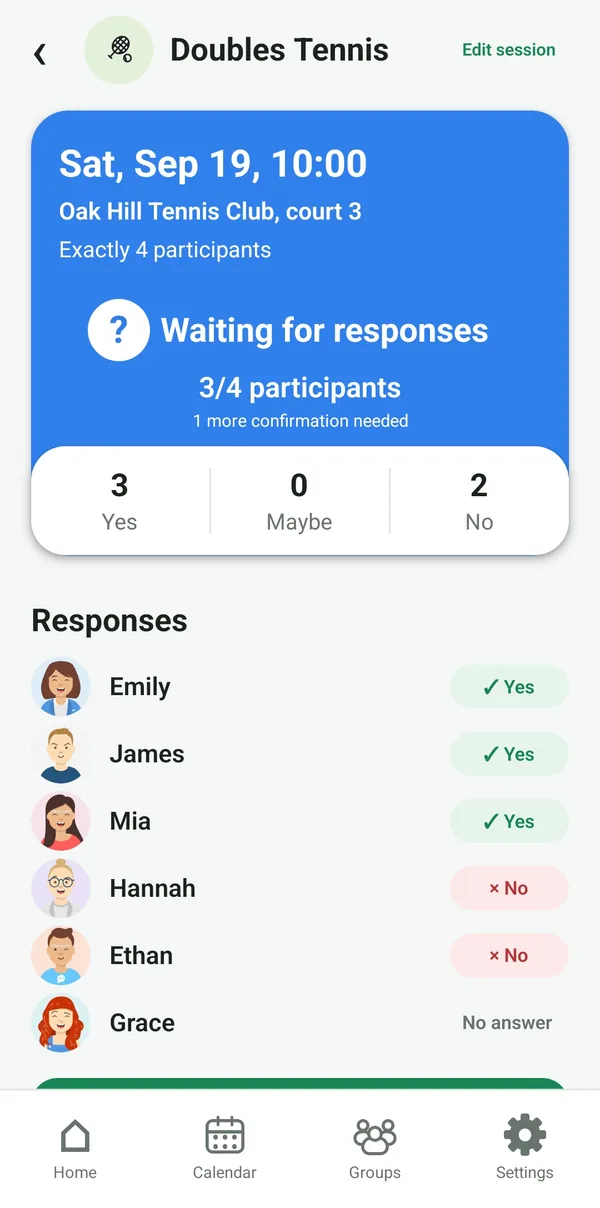
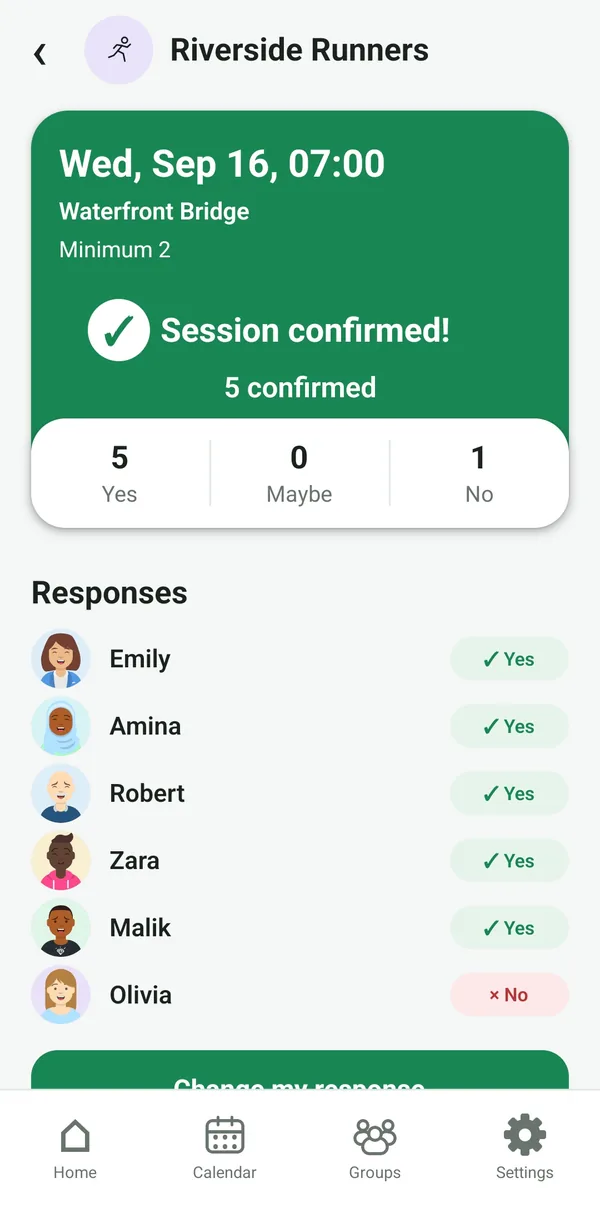
With every answer, Quorpi works out the session's status from the group's rule. Everyone sees the same thing: who's coming, who's unsure, and how many confirmations are still missing.
When a session becomes “Confirmed”, participants are notified.
Statuses
Only Yes answers count as confirmed. Maybes and people who haven't answered yet show whether the session can still happen.
There are enough Yes answers to meet the rule: the session is on.
Not enough Yes answers yet, but the Maybes would be enough to confirm it.
The session still depends on people who haven't answered.
With the people asked so far, the rule can't be met. A substitute can change that.
The maximum has been reached: one more Yes would be refused.
An organizer cancelled the session. Nothing is ever cancelled automatically.
Examples
Exactly 4
The match is set and nobody can be added by mistake.
At least 10
2 confirmations missing, among the 4 people who haven't answered.
Between 3 and 6
If the undecided player comes, the night is on.
4 or 8
One court is full. At 5, you'd need 3 more people.
Each group keeps a list of substitutes. When asked for a session, they answer like everyone else, without becoming group members.
New session, a reminder if you haven't answered, session confirmed or cancelled. Adjustable group by group.
Past sessions keep their participants, their answers and the rule that applied.
Quorpi is free and coming soon to Android and iPhone.